Home Viewing Checklist
What to Check About Internet and Mobile Connectivity Before Buying a House
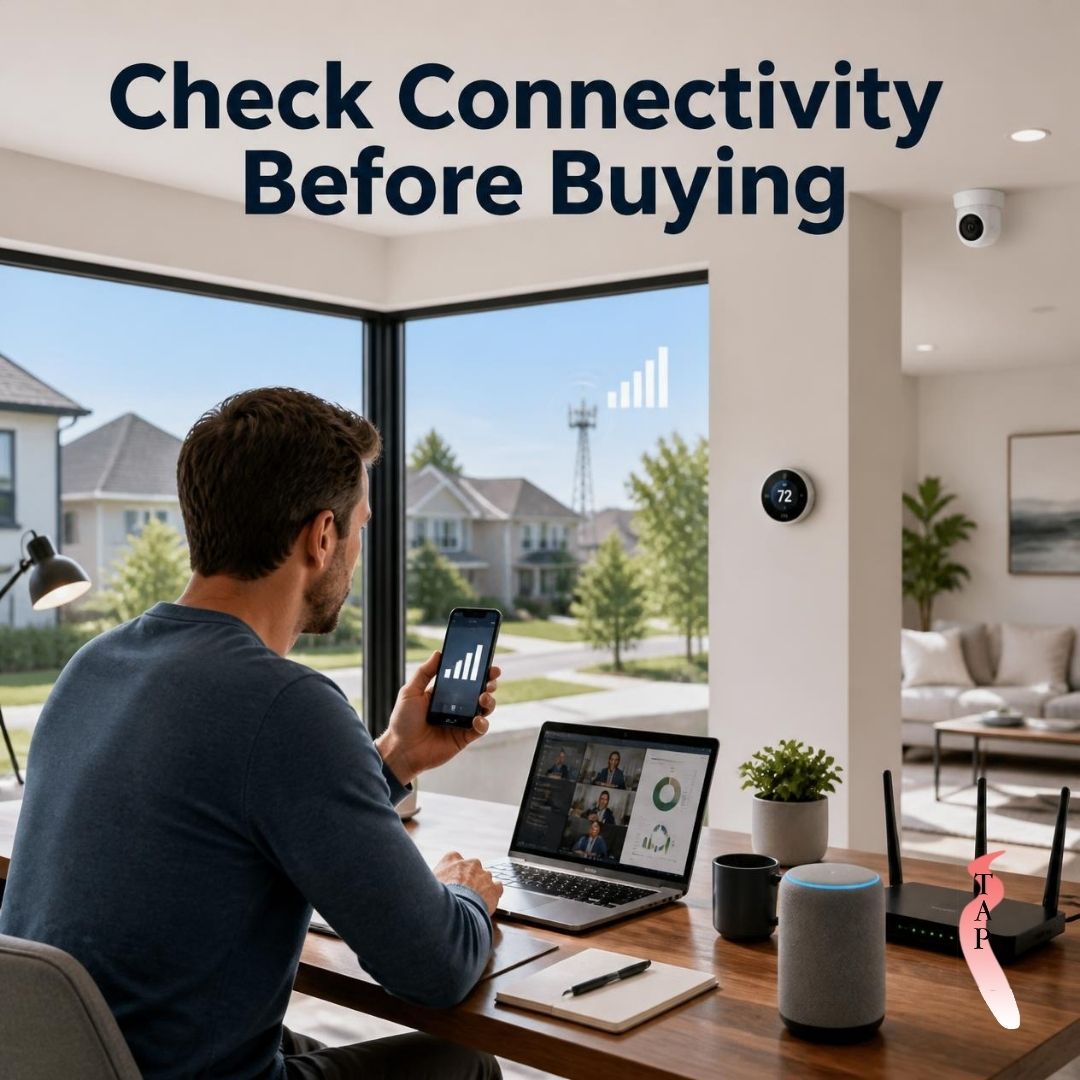
Internet and mobile connectivity are easy to overlook when viewing a home. Buyers may spend considerable time examining the kitchen, bedrooms, parking, and outdoor spaces while assuming that reliable connectivity will be available once they move in.
However, internet availability and mobile signal can vary between neighborhoods, buildings, and even individual parts of a property. For people who work remotely, rely on online services, or use connected home devices, connectivity can have a meaningful impact on daily life.
Checking these services before buying can help you understand whether the property is compatible with your digital needs.
Check Which Internet Services Are Available
Not every property has access to the same types of internet services. Depending on the location, buyers may encounter fiber, cable, fixed wireless, satellite, DSL, or other options.
Before purchasing, research which providers serve the specific property and what types of connections they offer. Availability can sometimes differ between nearby addresses, so checking the exact property is more useful than assuming that a service available down the street will also be available at the home.
Consider the connection types offered and whether they are appropriate for your household's normal internet use.
Ask About Internet Speeds and Service Limits
Internet plans can differ in advertised speeds, data allowances, equipment requirements, and other conditions.
Think about how your household uses the internet. Streaming, video calls, cloud applications, online gaming, large file transfers, and multiple connected devices can place different demands on a connection.
If several people use the internet simultaneously, consider whether the available services can reasonably support those activities.
Test Mobile Signal
Mobile connectivity can vary significantly depending on the location and construction of a property. A strong signal outside does not necessarily mean every room will have the same reception.
During a property visit, check your mobile phone in different areas of the home. Try making a call and using mobile data from rooms where you are likely to spend time.
Pay particular attention to bedrooms, home offices, living areas, garages, and outdoor spaces if mobile connectivity is important to your routine.
Consider Remote Work Requirements
For people who work from home, internet and mobile connectivity can be particularly important. Video meetings, cloud-based software, file sharing, remote access, and other work activities can depend on a stable connection.
Think about where you would set up your workspace and whether that area has reliable internet and mobile service.
If possible, test connectivity in the intended office location rather than relying solely on a general speed claim for the property.
Think About Smart-Home Devices
Modern homes can contain a growing number of connected devices, including security cameras, smart locks, thermostats, lighting systems, doorbells, speakers, appliances, and other equipment.
These devices often depend on a reliable home network. A larger property may also require additional networking equipment to provide adequate coverage throughout the building.
If you plan to use smart-home technology, consider where your router and other network equipment could be placed and whether the home's layout could create coverage challenges.
Look at the Home's Layout
Walls, floors, building materials, and the overall size of a property can influence wireless coverage. A router positioned in one part of a home may not provide equally strong Wi-Fi throughout every room.
During a viewing, consider where your internet connection would enter the property and where you would place networking equipment.
For larger homes, you may need to consider additional access points or other networking solutions. These potential requirements should be part of your overall planning.
Check Connectivity Before You Buy
Connectivity should be investigated before committing to a property, rather than after moving in. Ask the current provider or relevant service companies about availability at the specific address.
You can also check coverage information from mobile network providers and test your own phone while visiting the property.
Remember that coverage maps and advertised internet speeds are useful reference points, but actual performance at the property can vary.
Consider Backup Options
If reliable connectivity is essential to your household, it can be useful to understand what alternatives are available if your primary service experiences an outage.
Depending on the location, potential alternatives might include mobile hotspot services, another internet provider, fixed wireless, or satellite service.
You do not necessarily need a backup connection, but understanding your options can help you evaluate the property's overall connectivity situation.
Think About Future Needs
Your connectivity requirements may change over time. A household may add more smart devices, switch to remote or hybrid work, begin using higher-bandwidth services, or have additional people relying on the same network.
When comparing homes, consider whether the available infrastructure is likely to accommodate your expected needs.
A property that meets today's requirements may require upgrades or additional equipment as your technology use grows.
Consider Mobile Signal Around the Property
Mobile connectivity is not only relevant inside the home. Consider how well your phone works in the driveway, garden, garage, or other outdoor areas.
If you regularly receive calls or use mobile data outside, these areas may matter as much as the interior rooms.
Testing signal in several locations can provide a more complete picture than checking it in only one room.
Final Thoughts
Internet and mobile connectivity when buying a home deserve attention because reliable communication and online access have become part of many households' everyday routines.
Before purchasing, check which internet providers and connection types serve the exact property, test mobile reception in different areas, consider remote work requirements, and think about how smart-home devices will use the network.
Connectivity may not be the most visible feature of a home, but checking it before buying can help prevent unexpected limitations and give you a clearer understanding of whether the property fits your household's digital needs.